



Roku Streaming Stick 4K – HDR & Dolby Vision Roku Streaming Device for TV with Voice Remote & Long-Range Wi-Fi – Free & Live TV
Original price was: CAD $34.99.CAD $18.88Current price is: CAD $18.88.
1000 in stock
About this item
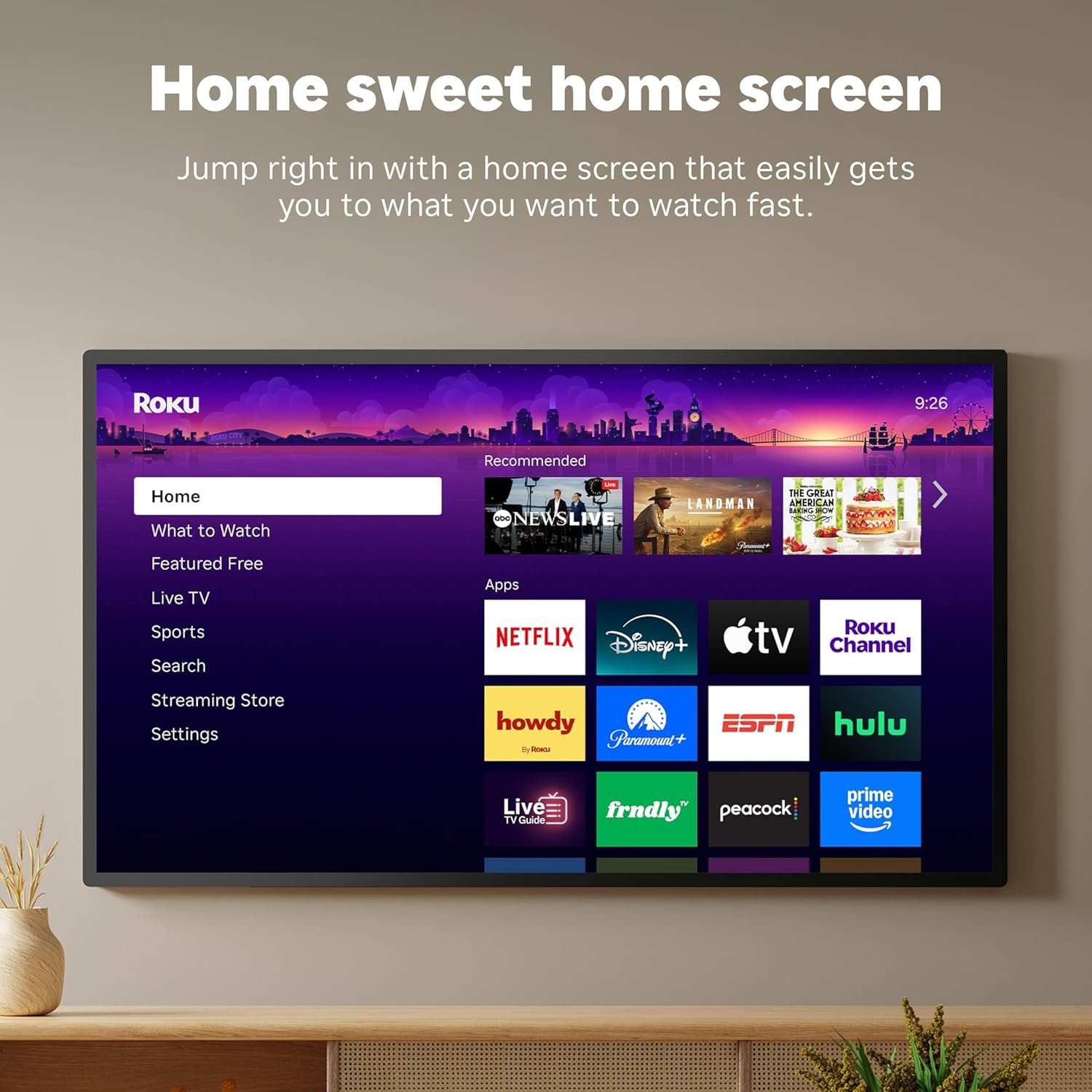
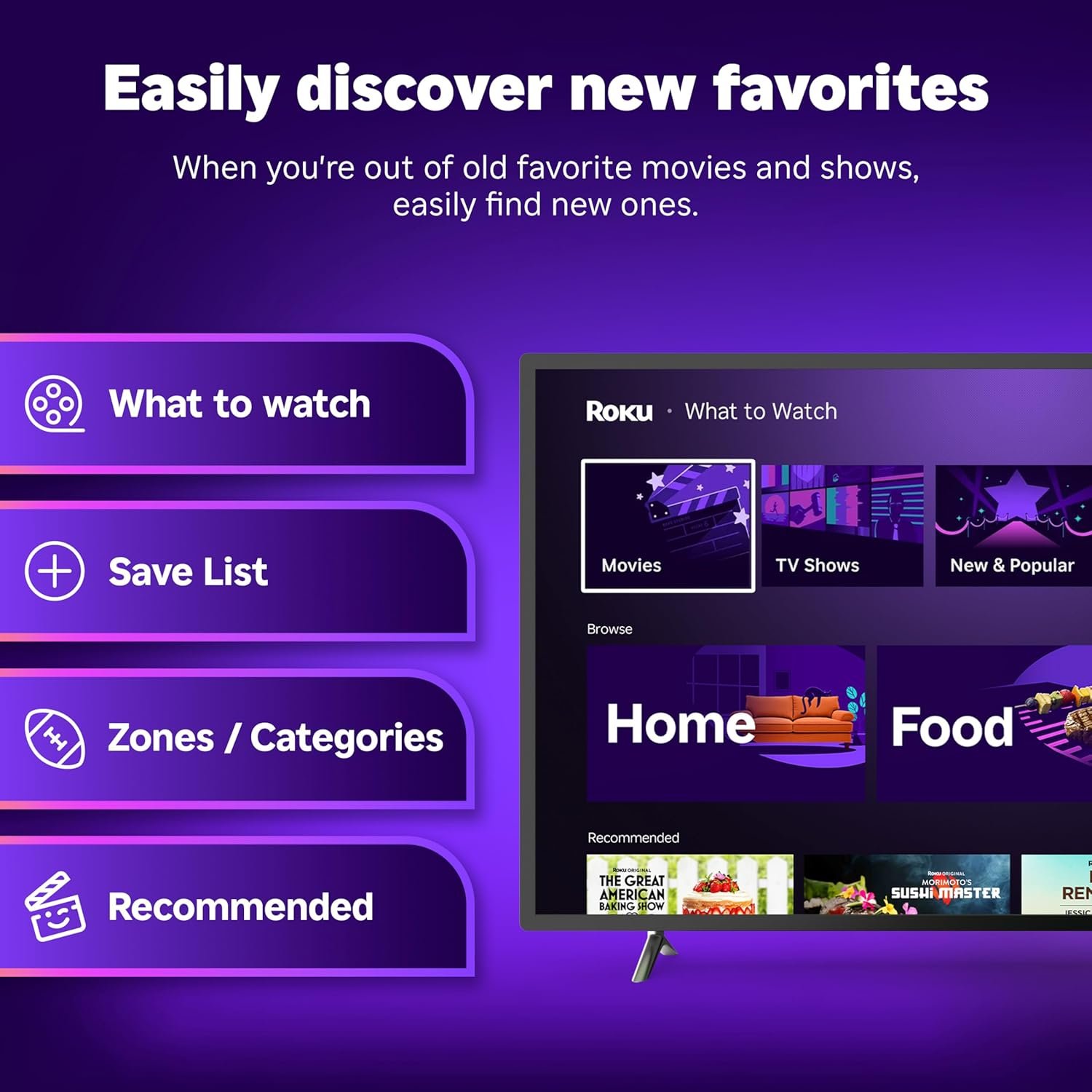
- Stunning 4K and Dolby Vision streaming made simple: With America’s TV streaming platform, exploring popular apps—plus tons of free movies, shows, and live TV—is as easy as it is fun. Based on hours streamed—Hypothesis Group
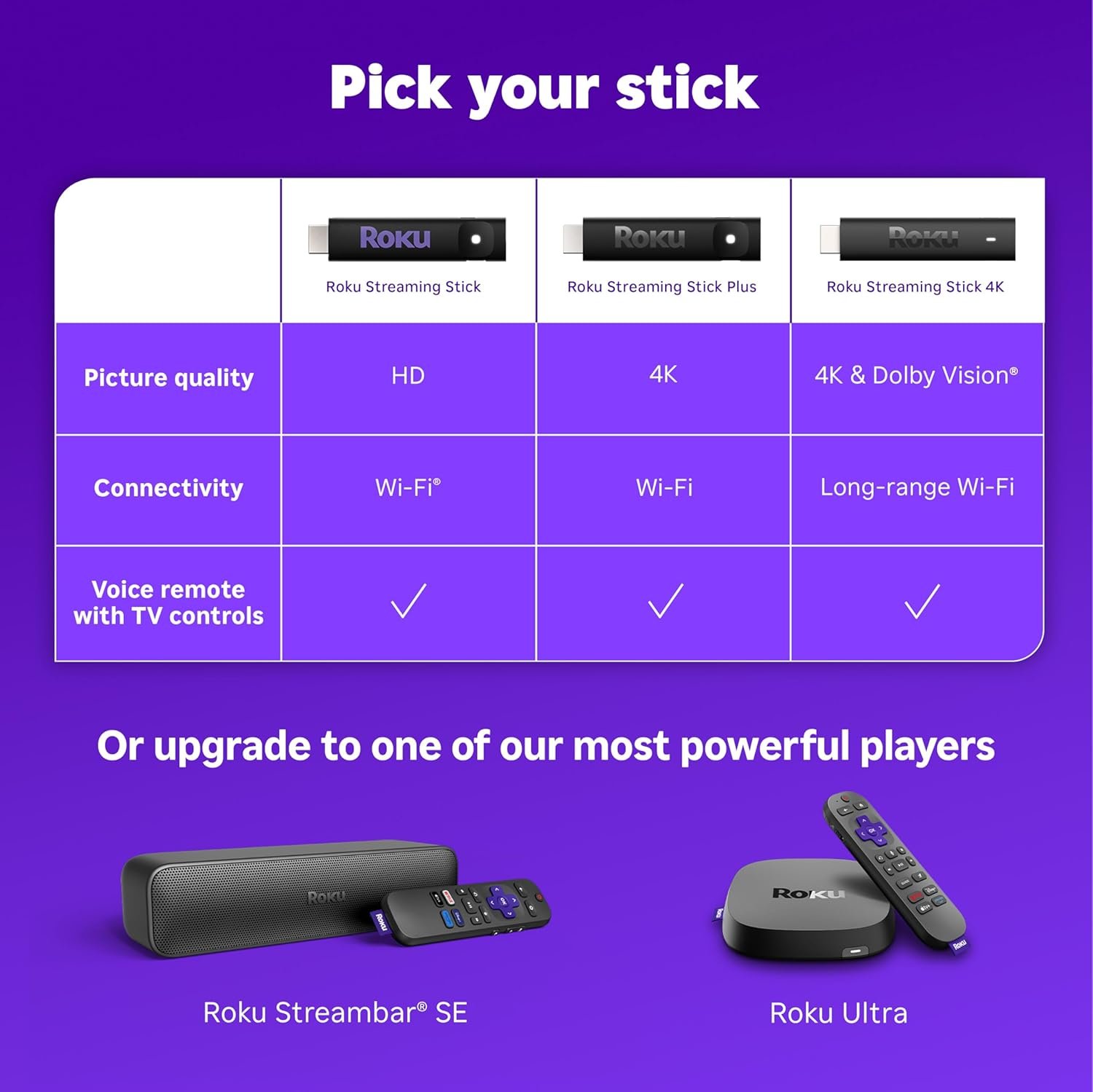
- Breathtaking picture quality: Stunningly sharp 4K picture brings out rich detail in your entertainment with four times the resolution of HD. Watch as colors pop off your screen and enjoy lifelike clarity with Dolby Vision and HDR10 plus
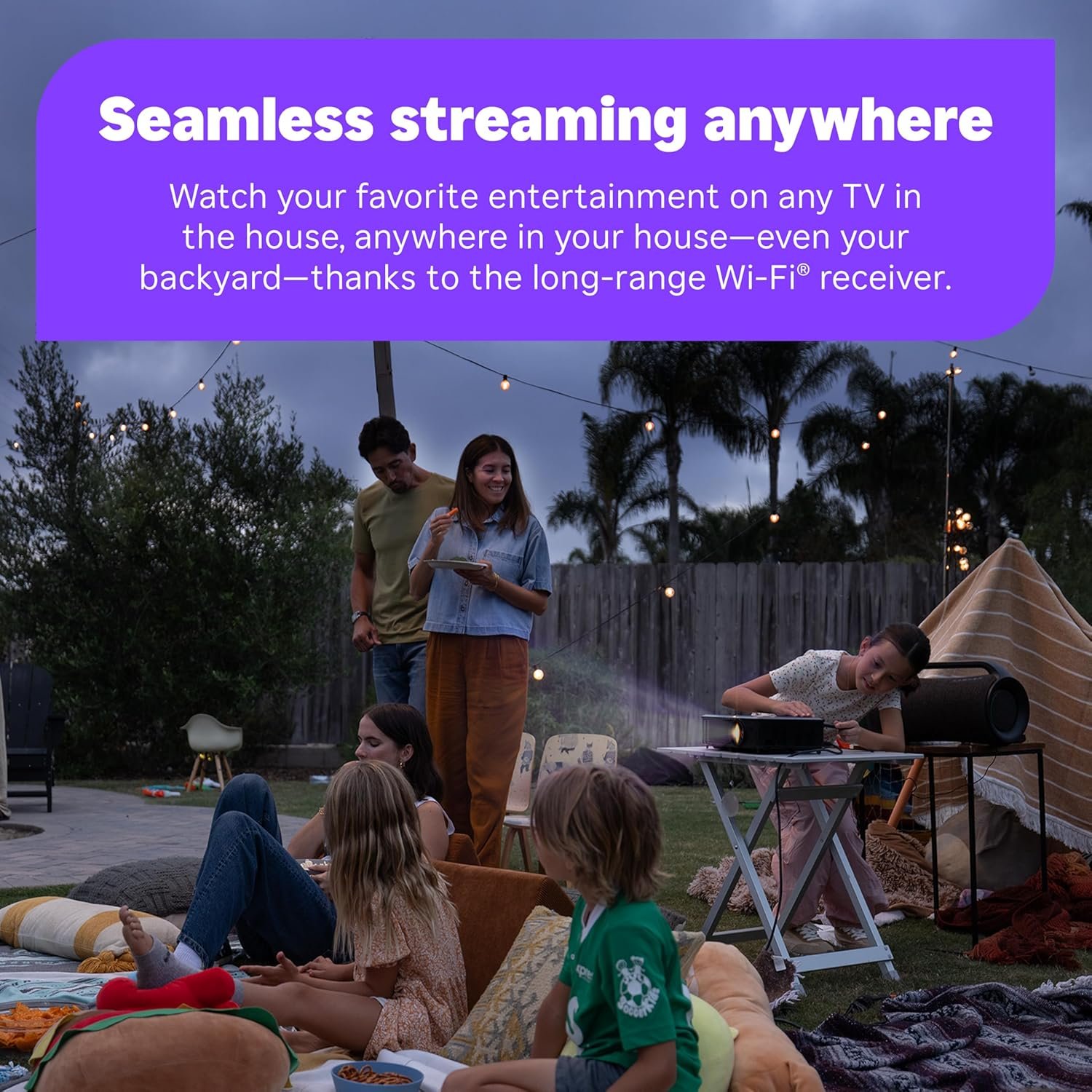
- Seamless streaming for any room: With Roku Streaming Stick 4K, watch your favorite entertainment on any TV in the house, even in rooms farther from your router thanks to the long-range Wi-Fi receiver
- Shows on the go: Take your TV to-go when traveling—without needing to log into someone else’s device.
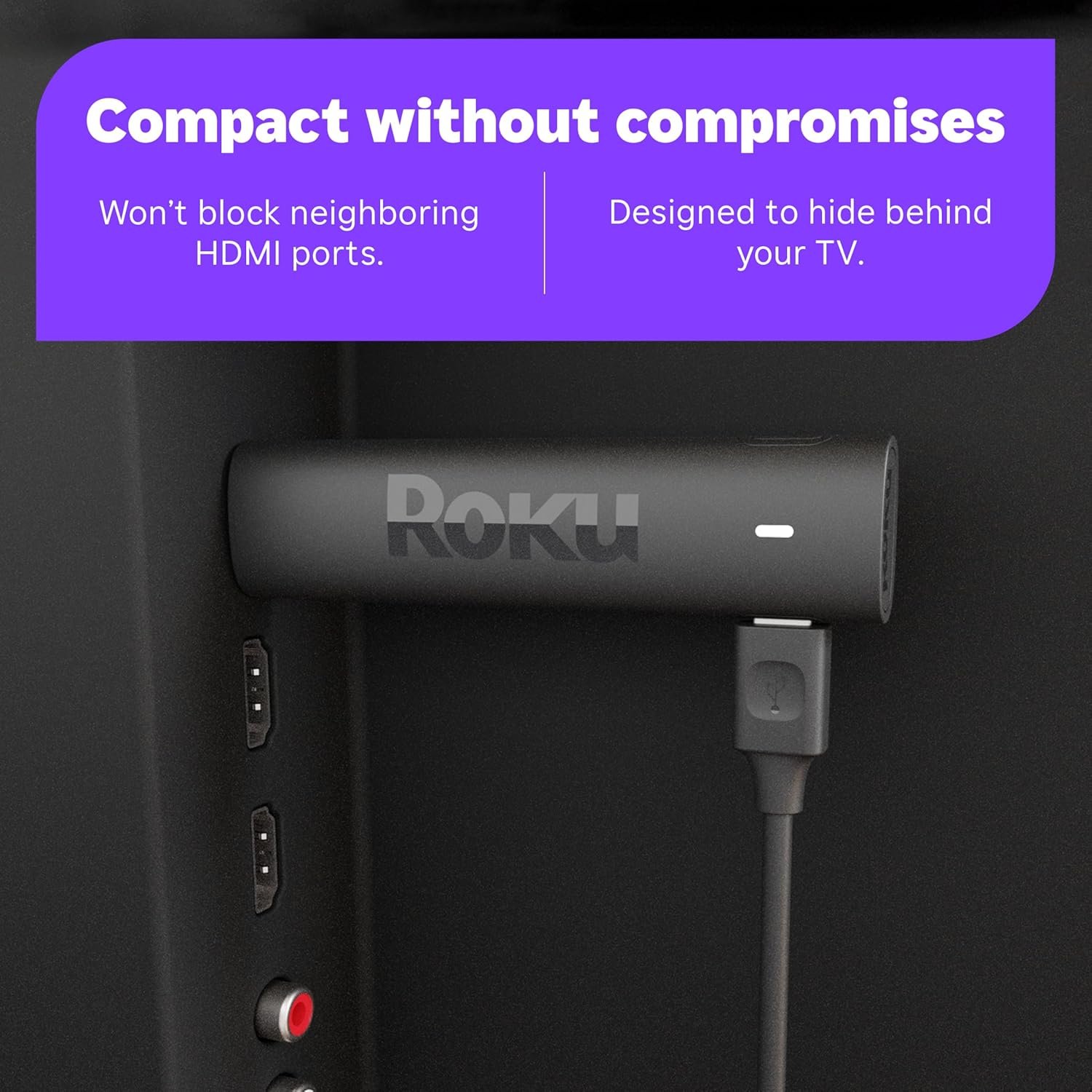
- Compact without compromises: Our sleek design won’t block neighboring HDMI ports, so you can switch from streaming to gaming with ease. Plus, it’s designed to stay hidden behind your TV, keeping wires neatly out of sight
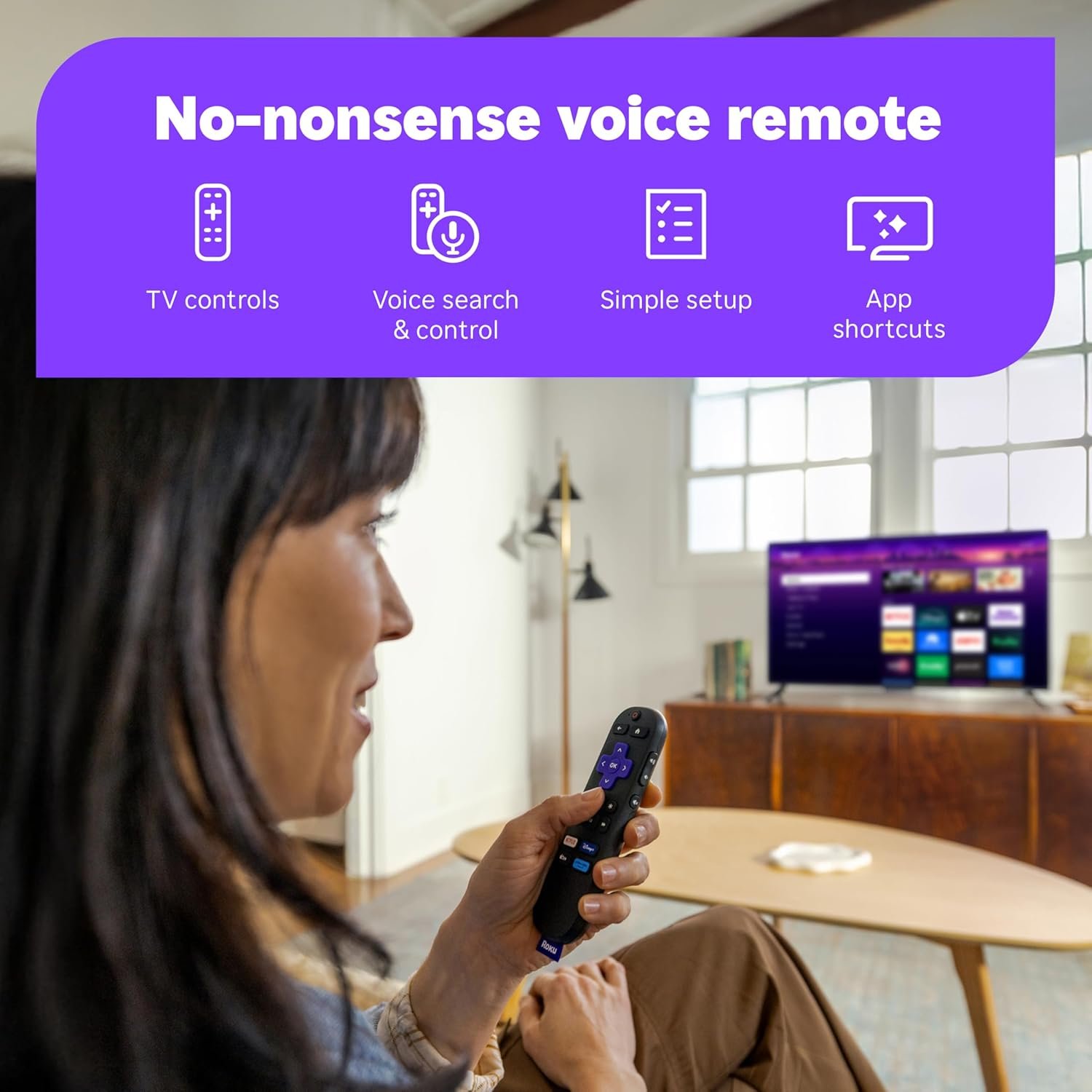
- No more juggling remotes: Power on your TV, adjust the volume, and control your Roku device with one remote. Use your voice to quickly search, play entertainment, and more
- All the top apps: Never ask “Where’s that streaming” again. Now all of the top apps are in one place, so you can always stream your favorite shows, movies, and more
Description


Specifications
- Connectivity TechnologyWi-Fi
- Connector TypeHDMI
- Other Special Features of the ProductDolby Vision, TV Control
- Resolution4k
- Supported Internet ServicesHulu, Netflix, Pandora, Prime Video, Vudu
- Controller TypeRemote Control, Voice Control
- Form FactorTV Stick
- RAM Memory Installed1 GB
- Compatible DevicesTelevision
- Memory Storage Capacity16 GB
- Video Output Resolution4K UHD (up to 2160p at 60fps)
- Video CodecH.265 (HEVC)
- ColorBlack
- Item Weight0.9 Ounces
- Item Dimensions L x W x H3.7"L x 0.8"W x 0.45"H
- BrandRoku
- Model NumberRoku_Streaming_Stick_4K
- Model NameRoku Streaming Stick 4K
- UPC829610004853
- Item Type Name2021 Streaming Stick 4K
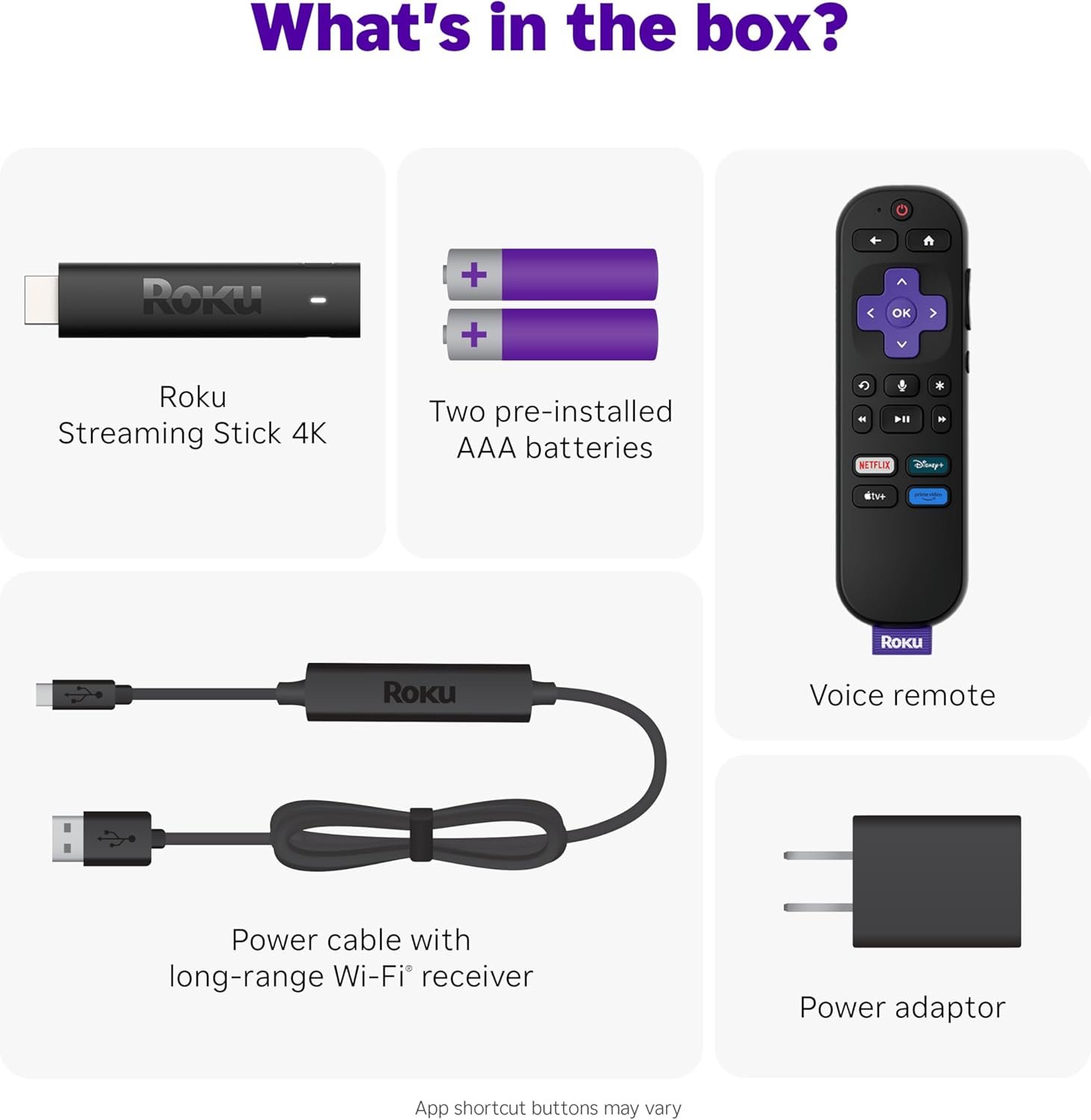
- Built-In MediaPower adaptor, Roku Streaming Stick 4K, Two pre-installed AAA batteries, USB power cable with Long-range Wi-Fi receiver, Voice remote with TV power, volume, and mute buttons
- ManufacturerRoku
- Unit Count1.0 Count
- External Testing CertificationNão Aplicável
- Warranty DescriptionFor any Roku Smart Home device, Roku streaming player, Roku Streaming Stick, or Roku audio device, Roku warrants the hardware against defects in materials and workmanship under normal use for a period of one (1) year from the date of purchase ("Warranty Period") if used in accordance with the provided documentation. If Roku determines that the device’s hardware is defective during the Warranty Period, Roku’s sole obligation, and your exclusive remedy, will be to either repair or replace the unit with either a new or rebuilt device, at its option. Important information about warranty returns and replacements is available on the Roku support site. You may also return a device for any reason, subject to the terms of the applicable return policy: 1) Within thirty (30) days from the date of purchase from Roku; or 2) within the applicable return period if purchased from an authorized re-seller or distributor. Additional details regarding product returns can be found on the Roku support site.
- ASINB09BKCDXZC
Additional information
| style | 4K + Dolby Vision |
|---|
So I did. And honestly, the new Fire Stick itself is fantastic, picture and sound are excellent after a few settings tweaks. Five stars for the hardware.
But then reality hit.
To switch between HDMI inputs I still needed:
The original Amazon remote for the TV input menu
The new Amazon remote for streaming
The Spectrum remote for the cable box
Three remotes.
And the Fire remote can’t program the Home button to jump between Fire TV instances, so the input mess never goes away.
That’s when I tried Roku.
Game changer.
Spectrum is available as a Roku app, so I was able to:
Eliminate the Spectrum set-top box
Eliminate the Spectrum remote
Eliminate the HDMI input juggling entirely
One Roku remote. One clean setup. One screen.
The Fire TV now boots to the last used input automatically, so I put that remote in a drawer and haven’t touched it since.
Yes, I still had to tweak picture and sound settings (why does “auto” never just work?), but once dialed in it looks and sounds fantastic.
For the first time since 2018, I’m using ONE remote.
Roku didn’t just replace a device, it fixed a design problem that Fire TV never solved.
If you’re tired of remote clutter, HDMI gymnastics, and half-working “smart” integrations, this is the fix.
Highly recommended.
me instruction in German.
Está conectado a mi proyector es algo que debo decir porque cuando quería comprarlo nadie decía eso, pero sí sirve para convertir tu proyector en una tv moderna ya que puedes instalar cualquier app de streaming que necesites.
You don’t need a separate HDMI cable—just plug the Roku Streaming Stick directly into your TV’s HDMI port! That’s it.
I’m loving it so far—streaming is smooth, and everything just works!
Overall, this Roku 4K Stick delivers exceptional performance at a great price. Whether you're a casual streamer or a hardcore binge-watcher, this device has everything you need for a fantastic viewing experience. Highly recommend it!
Item is currently performing well and it was easy to install.
I will update if there is any changes to the above in the future.
Thank you for the fast delivery
However, there is one downside. While the device works great most of the time, occasionally it has a bit of lag when switching between apps or starting a new stream. It’s not a huge issue, but it can be a little annoying if you’re in a hurry or want to avoid delays.
Despite that, the Roku Streaming Stick 4K is a great product overall, and I would still recommend it for anyone looking for a convenient and quality streaming device.
Simple
Direct
Compatible with my projector
Excellent value
Compact size
Easy to power
Streaming is really good
Very nice
December 2024 updated - love it, it's been great
I installed it on the back of a Toshiba TV with Fire TV built in, but the Fire TV, for some strange reason, did not have MAX in their App Store. Thus, the Roku stick that had all the apps I was looking for.
It really is plug and play.
Plug the HDMI into the receiver on your TV. Plug in the power cable, and the Roku will step you through set-up from start to finish.
You will need to set-up a Roku account (free) if you don't have one. After that, the Roku walks through everything.
While the Roku plugs into your existing streaming services like Netflix and Amazon Prime, Roku also gives you access to hundreds of absolutely free content.
I am super impressed with this streaming stick, and I think that you will be too.
Also you can get a free extension for the hdmi. You might as well order one for the same reason. (A different tv). Info on that is in the instructions
Update 12.28.23: I was waiting for this to be on sale again at $29.99 so I could buy more to connect to my other TV's. So far, not happening. Then I thought why not connect my 1 Roku to my HDMI splitter that connects to my 4 TV's. My computer is already connected to the 4 TV's via the HDMI splitter and it's working for me. So, I removed the computer HDMI, and in place the Roku HDMI. It works! I can now watch from any of my TV's. Though I need to first individually pair each TV with the Roku.
I'm a happy camper. 😊
Update 1.1.24: I also got a switch that's plugged to the splitter. I then plugged the Roku and computer HDMI's to the switch. So, whenever, I can choose which one to use.
I love the Roku app feature also where you can pair your app to tv and use as a remote. Great for when you can’t find the little remote!
The voice recognition feature is also super easy. You can ask the play a specific show and it will search and show you what streaming service it is available on.
1) if you live in a dorm or any captivated network they make it super easy to connect
2)unlike the fire stick you can add your cable provider ( I addded spectrum)
The 4k quality is really nice.
The only thing I wish was that this could connect to Bluetooth to connect it directly to my speakers but sadly I can’t ( i just have to do an extra step)
And as stated they have tons of channels which fhe fire stick doesn’t
We have had all the streaming devices of the last few years including the fire stick, chrome cast, Apple TV, and even Tvision. Nothing beats the Roku products for the following reasons.
-Ease of use - all your channels in one place, can’t find a channel you like? No problem just mirror your phone to the Roku and stream direct from your phone app.
-easy set up - plug into the HDMI, sign in to the wifi and you are good to go
- Quality - great 4K streaming quality with responsive controls and voice recognition.
****video quality is reliant on your internet speed.
The one issue I have with the Fire TV Stick is how much it slows down and becomes sluggish over time. Roku devices do also suffer from this slow down, however it takes a few years before you notice any kind of slowing down. Hopefully this is the same for their current line up. Overall, if you are looking for a great little streamer this 4K stick wont let you down.
—-
I really like this most of the time. But sometimes (about daily) it has connection issues. Sometimes, it will cut out and display the screen in the photo. Other times the TV will act like nothing is connected at all. Usually, this can be fixed by switching from HDMI3 (The input that the Roku is connected to) to HDMI1 (an input that nothing is connected to) and back again on the tv. Other times, however, this does not work and the Roku needs to be unplugged and plugged back in. Overall, it’s not the end of the world, but not what I expected when it’s brand new.
Otherwise I really like this. I like how it has a lot of apps, channels and free content, I like the voice option as it saves my hands from hurting when typing things in, and I like that the Roku remote can control the TV power and volume as well.
All in all, get it! It’s amazing! And worth the money!
One thing that bummed me out is that this does not have BT for connecting external speakers like Firesticks do. Couldn't connect my soundbar. I thought I read it had BT but read the fine print I think it may just be for the remote. Too bad.
Another thing that's a little annoying is that the stick had no wire adapter so you're plugging this straight into the device with no wiggle room. Fine for TVs but for projectors you have some cumbersome issues. The antenna power wire also goes in the side of the stick and depending where and how your port is oriented makes for an awkward install.
Roku makes a fine streaming device but for me this one is going back due to the HDMI connection issue and I'll probably stick to Firesticks since they have BT to connect audio devices.
P.S. If you're thinking the HDMI connection issue is with a Amazon device because the 2nd pic says to go to Amazon for video help it's because I'm in the Prime Video app on the RoKu. Again I have 2 other Roku streamers but prefer Firesticks because they allow external BT speaker connections.
It’s great that it can control volume, just not with my projector lol
Still an excellent product
So, I decided that because this model was touting "long-range wireless" that maybe this would remedy the problem. It did not. The claims are that this model has 2x the wireless speed of previous Rokus. Maybe this is true, but the actual speed it does get is absolutely terrible.
I have attached two pictures to this review. One is of the wireless speed that the Roku is saying it has (purple screen), which is 2 mbps. Bear in mind, this is about 10ft from my wireless router. The second picture is of a speed test that I ran (on the WiFi) of my iPhone literally laying on top of the Roku at the TV and it is getting 122 mbps up and down.
So, you can see why I am having so many issues with streaming in general with this thing. This device is only capable of utilizing 1.6% of the speed that my wireless router is delivering. My advice to most people looking at this thing, avoid at all costs. There are many other streaming options that will reliably deliver the speeds you need for proper streaming.
Update: 10/23/21
So, after a week of pulling my hair out with this thing, I decided to format it to return it. Thankfully, I decided to give it one last shot before sending it back.
I’m glad I did, because after the format, it started miraculously working for about 3 days now. It gets 150+ mbps. I checked all of the settings to see what exactly had changed. Turns out it was my wireless router assigning a terrible channel to the Roku!! It put it on channel 1 initially. Same with my old Roku Premiere. Both were getting 2 mbps. For whatever reason, it assigned this Roku after formatting to channel 48 on my network and that fixed everything.
So, your mileage really may vary here. You may not have the router problem I had and it works flawlessly, or you may have the same or worse. I still kind of feel like this could be an issue involving Roku, like the Roku maybe should tell the router “Hey, this channel sucks, please give me a different one!”
I have updated my review to 4 stars because it is the best streaming device out of all that I have tried. Roku is a great company with a great UI. I just can’t quite give it 5 stars because of the WiFi issues because I don’t know if the blame is fully on my router, since I don’t have any other devices having issues.
-Fast (no lag)
-Incredible streaming quality
-Easy set up
-Longer range wifi
-Same compact size as previous generation
-Voice recognition on remote works well
-Comes with batteries for remote
The Bad:
-Have to resign into all apps but that’s not a surprise
The Bottom Line:
I just set up this new Roku Streaming Stick 4K and watched a movie on Netflix. I set up the streaming stick in less than 5 minutes. It took a little longer to re-log back into all my services like Amazon, Netflix, etc. but that was expected. As for performance, this streaming stick is faster than the previous generation Stick+. There is no lag whatsoever with this new one. The wifi is definitely longer range since I can move the stick to the garage and there is no lag when I move it out there compared to the older streaming stick. The picture is awesome and you can watch 4K without any issues. The remote works well and the voice recognition recognizes my voice well. If you’re wondering what the difference between the 4K streaming stick versus 4K streaming stick+, the only difference is the remote. Overall, I would recommend this new Roku streaming stick 4K for its streaming quality, speed and longer range wifi.